


Ask customers to show you the issue
Send a recording link from your helpdesk. Customers record their screen in the browser, with nothing to install, and the video comes back with the context your team needs.
Trusted by support teams from startups to enterprises




Never explain another bug. Every recording arrives with the details engineers ask for.
Technical context, attached
Console logs, network requests, browser, device, and system info are saved with every recording.
Get to the cause faster
AI summarizes each recording and writes the reproduction steps, so your team can act on it right away.
Easy for customers. Safe for your team.
Record with or without a camera. Customers pick audio, no audio, or their webcam. On mobile, they record with the front or back camera.
Sensitive data blurred. Choose the fields to blur on your web app, like card numbers and personal details.
Your brand on the recorder. Add your logo and accent color, or remove Screendesk branding entirely.
Guide customers before they record. Show a short step-by-step flow, with text and images, before the recorder starts.
Transcripts & summaries. Every recording is transcribed, summarized, and scored for sentiment.
Privacy consent. Ask customers to accept your privacy terms before the recorder opens.
Context
See exactly what happened. Every recording includes the context behind the issue.
Resolve
Turn the recording into action. Fix it, escalate it, or ask AI.
Resolve directly
Understand the issue and fix it without back-and-forth.
Escalate when needed
 Send to Linear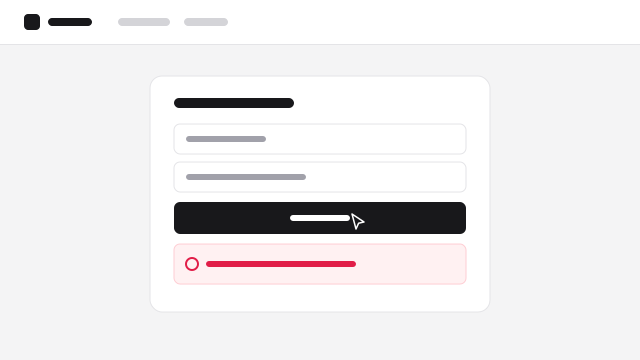
Checkout fails after clicking Pay
I’m trying to pay for the Pro plan but the payment never goes through.
Share a complete report engineering can act on.
Investigate with Screendesk MCP
Send the full context to Claude, ChatGPT, Cursor, and more. Find the root cause. Suggest a fix.
Works better together. Screen recordings is one part of the Screendesk platform.
Questions about screen recordings
Do customers need to install anything?
No. Customers open the recording link in their browser and record from there. On mobile, where browsers can’t record the screen, they record a video with the front or back camera.
What does a recording capture?
The video and audio, plus browser, device, screen size, locale, and timezone. With the Screendesk snippet on your web app, recordings also include console logs and network requests.
Can we hide sensitive information?
Yes. Add CSS selectors for the fields to blur on your web app, and customers can blur and unblur while they record. You can also require a privacy consent before the recorder opens.
Can we customize the recorder?
Yes. Add your logo and accent color, require an email or title, turn off the countdown, and add a guided flow before recording starts. White-label removes Screendesk branding.
Which helpdesks does it work with?
Zendesk, Intercom, Help Scout, Freshdesk, Freshchat, and HubSpot. Recordings appear in the ticket or conversation they were requested from.
